
Upload Your Photo

Click on the +Add Photo button in the menu bar.
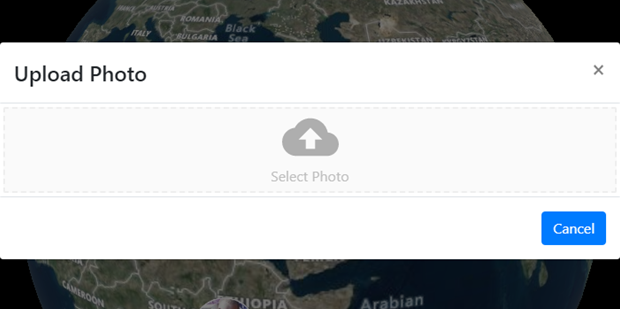
Drag a photo to the gray box drop, or click on Select Photo to navigate your folders and find your picture.
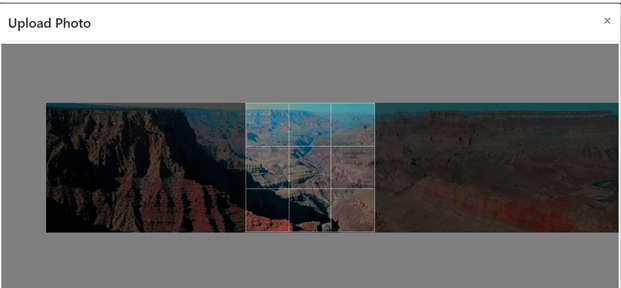
Center and or resize your photo if needed.
Add a brief, but meaningful, title and a longer description of what the photo represents. Then click the [UPLOAD] button to post it.
Next: Create a Fundraiser